
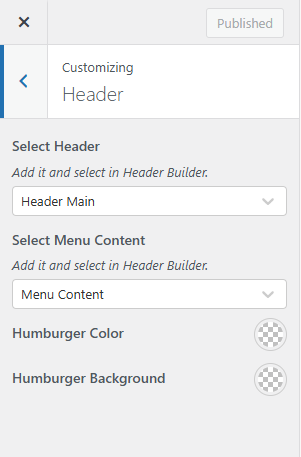
Go to Appearance > Customize > Header to setup.
If you want all pages to use the same header: Select Header and choose a header for all sites.
Here you can also choose the content for the Hamburger Menu button.
Hamburger Menu button is fixed, you do not need to create it in the header. You just need to choose the content to display when clicking on the Hamburger Menu button here.
In case there is still a specific page currently using another header, you need to remove that header currently used on the specific page.
Setup header for specific pages:
Go to edit the page and scroll down to the Header/Footer Settings section -> Header Layout and select a specific header or remove the header currently used.
